Tech Writer
If you’re a MacBook owner in London, you’ve probably seen Apple’s latest update, macOS Sequoia, making headlines. But if you’re already running macOS Sonoma, you might be wondering: should I upgrade, or stick with what I’ve got?
At MacBook Repairs London, we help hundreds of Londoners every year keep their Macs running smoothly, so we’ve broken it down in detail to help you devide whether it’s better to upgrade or keep ypur current macOS.
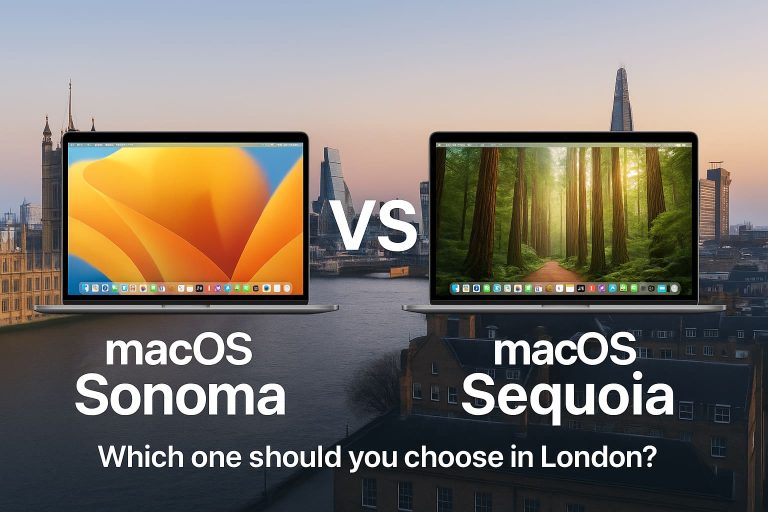
macOS Sonoma – The Reliable Choice
Released in 2023, Sonoma has proven itself to be stable, reliable, and lightweight in terms of system resources. It does not eat much of your MacBook RAM, CPU or battery.
- Smooth performance on the most recent MacBooks.
- Great for business users, students, and creatives who want stability.
- Perfect if your MacBook is a few years old and you don’t want to push it too hard.
Many of our Camden, Islington, and Central London clients still run Sonoma happily, no crashes, no big issues, and all major apps support it.
macOS Sequoia – The Shiny New Update
Launched in 2024, Sequoia is Apple’s latest system. It’s got some seriously impressive features:
- iPhone Mirroring – control your iPhone directly from your Mac.
- Apple Intelligence (AI) – smarter suggestions, text tools, and productivity boosts.
- Better window management, improved multitasking for busy students and professionals.
- Safari upgrades, cleaner browsing and distraction-free reading.
But here’s the catch:
- Some older Macs may not support all features.
- Being new, a few apps and tools may still have compatibility bugs.
- It can be heavier on resources, so older MacBooks might feel slower.
Which macOS is Better for You?
It depends on your MacBook and your lifestyle:
- If you’re a student in London or working remotely and just need a smooth, reliable Sonoma macOS is your best for you.
- If you’ve got a newer MacBook and want the latest features like iPhone Mirroring or Mac AI, go ahead and upgrade to Sequoia macOS.
- If you’re a business user in London and rely on your Mac daily for work, you should wait for Sequoia’s early bugs to be patched.
Local Mac-Expert Advice from MacBook Repairs London
At MacBook Repairs London, we’ve seen many users complain about how system updates affect their MacBooks.
- Upgrading too early sometimes causes problems with software, especially in creative industries.
- But leaving it too late can mean missing out on security updates and productivity improvements.
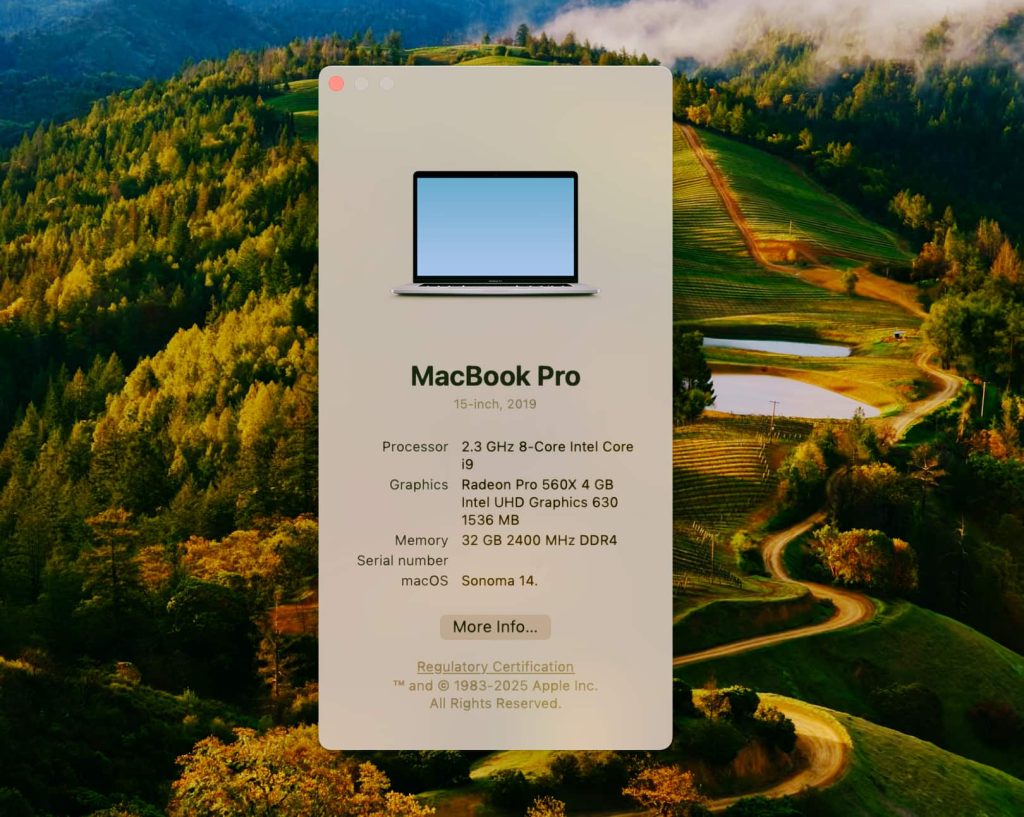
If your MacBook has the following or similar specifications:
- Processor: 2.3 GHz 8-Core Intel Core i9
- Graphics: Radeon Pro 560X (4GB) + Intel UHD Graphics 630 (1536MB)
- Memory: 32GB RAM
We would not recommend upgrading to the latest macOS. With this hardware, moving to the newest version could make your MacBook run noticeably slower, especially when handling demanding apps.
If you’re unsure, simply bring your MacBook into our Ealing workshop or give us a call.
We can:
- Check your Mac’s compatibility
- Back up your data safely
- Advise whether Sonoma or Sequoia is the right choice for you
Conclusion
Sonoma is the safer, proven option, while Sequoia is exciting but still maturing. The best choice depends on your MacBook’s age, your work style, and how much you like trying new features.
Need help deciding or upgrading? Contact MacBook Repairs London today. Our Mac specialist is near you, always ready to get London’s MacBooks running at their best.
Author 's Profile
B. Saeed
B. Saeed is a tech blog writer at MacBook Repairs London shares expert tips, guides, and repair insights to help MacBook users across London. With hands-on experience in Apple device troubleshooting and a passion for technology, she break down complex repairs into simple, useful advice. From battery replacements to logic board fixes, her goal is to keep your Mac running at its best while giving you practical knowledge along the way.