Tech Writer
Liquid damage can turn a perfectly working MacBook into a stressful problem within seconds. In this case, a customer contacted us about their MacBook Pro A2442, which had suffered liquid damage and had already been declined for repair by Apple.
The customer was worried that the MacBook might be beyond saving. Replacing the whole device would have been expensive, and they wanted a more practical solution if the machine could still be repaired. After speaking with us, we arranged to collect the MacBook, inspect it properly, and give the customer a clear answer before going ahead with the work.
The Problem
The MacBook had been affected by a liquid spill, and the keyboard was no longer working properly. In many liquid damage cases, the keyboard is one of the first parts to fail because liquid can easily travel underneath the keys.
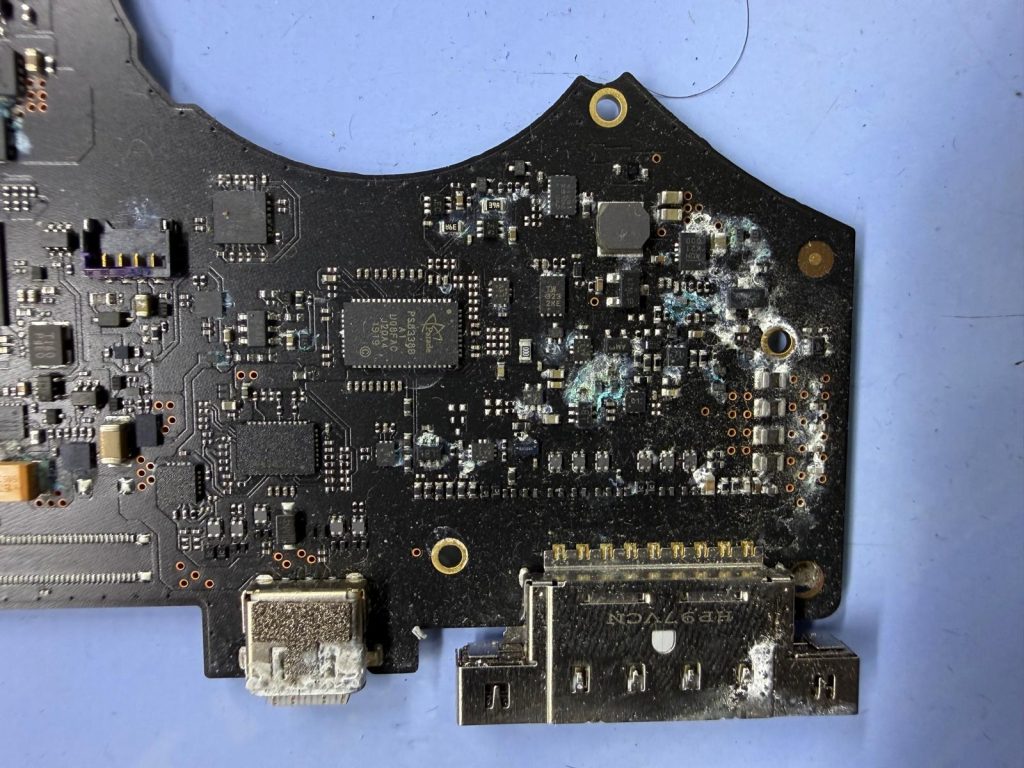
However, once we opened the MacBook for inspection, it was clear that the issue was not limited to the keyboard. The logic board had also been exposed to liquid, with visible signs of residue and contamination inside the machine.
This is why liquid damage should never be treated as a simple surface-level problem. A MacBook may look clean from the outside, but inside, the damage can be much more serious.
Photo Documentation Shared With the Customer
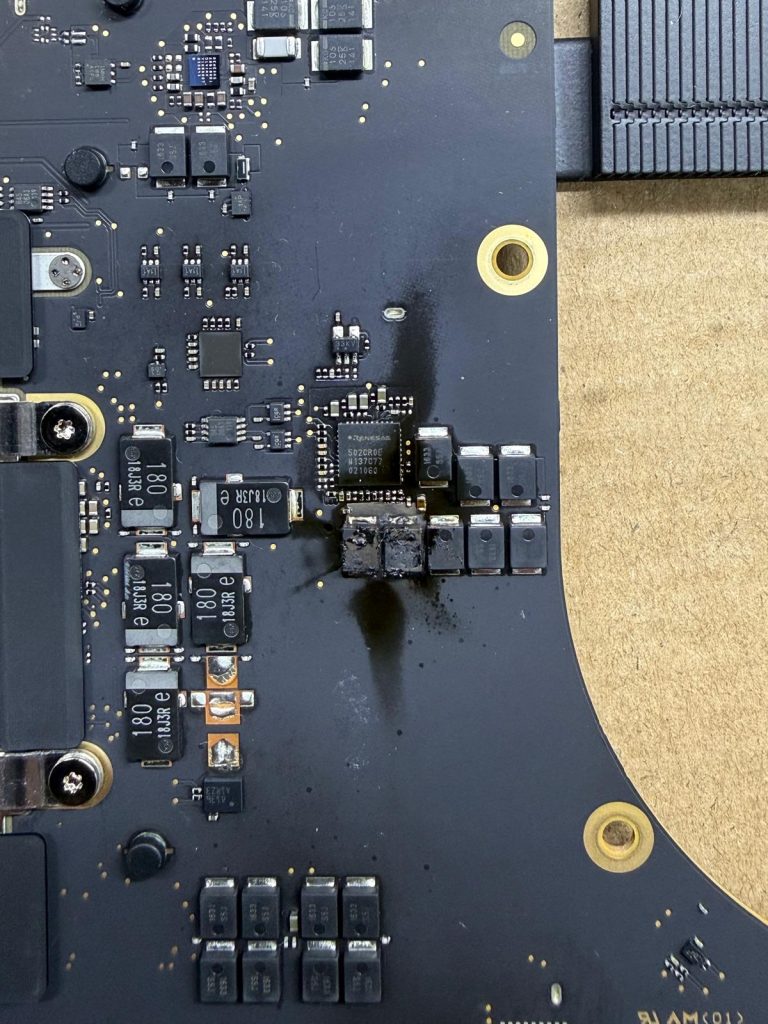
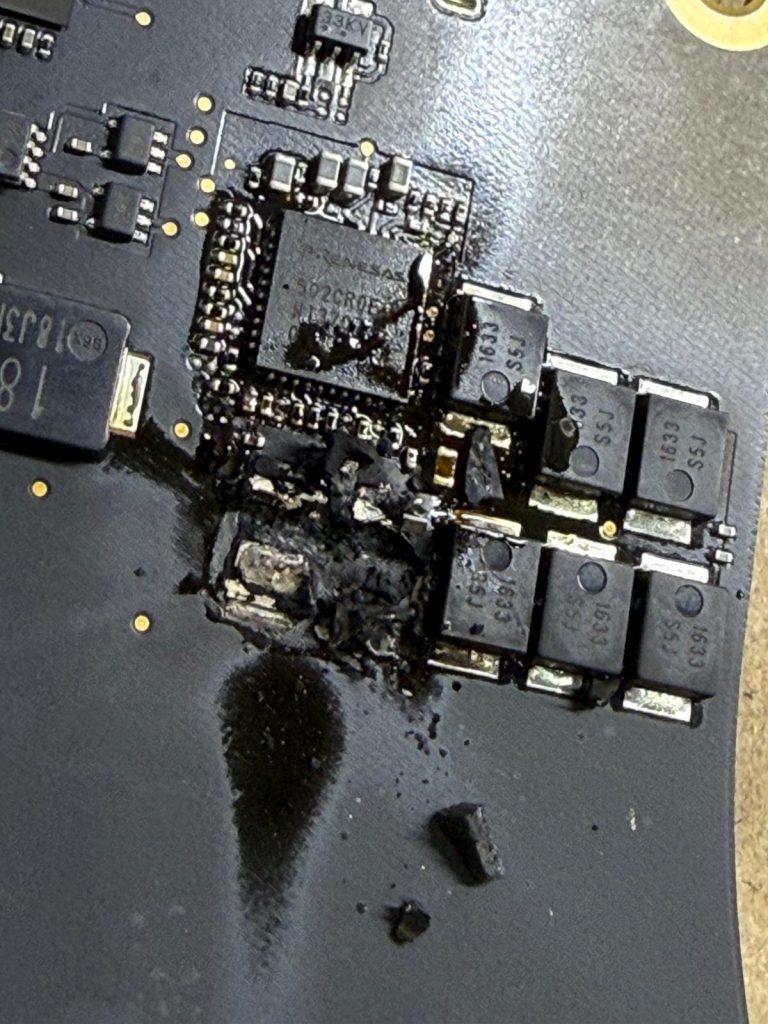
Before starting the repair, we documented the condition of the MacBook with photos. The customer was shown clear images of the liquid-affected areas, including the condition of the logic board.
This is an important part of how we handle liquid damage repairs. We want customers to understand what has happened inside their device and why certain parts may need repair or replacement.
With liquid damage, transparency matters. It also helps the customer make an informed decision rather than being given a vague explanation or a high replacement quote.
The Repair Process
After confirming the issue, we started the repair work.
The damaged keyboard needed to be replaced because liquid-damaged keyboards are usually unreliable. Even if some keys continue working for a short time, they can later become sticky, stop responding, or type randomly.
The logic board also needed careful cleaning and treatment. This is a delicate job because liquid residue can sit around small components, connectors and circuits. If it is not cleaned properly, corrosion can continue and the MacBook may fail again later.
Our technician carefully cleaned the affected areas of the logic board, removed the visible contamination, checked the surrounding components and then tested the MacBook again after replacing the keyboard.
Thankfully, the MacBook responded well after the repair.
Same-Day Collection, Repair and Return
The customer needed the MacBook back quickly, so we arranged collection from their location in the morning at around 11 am.
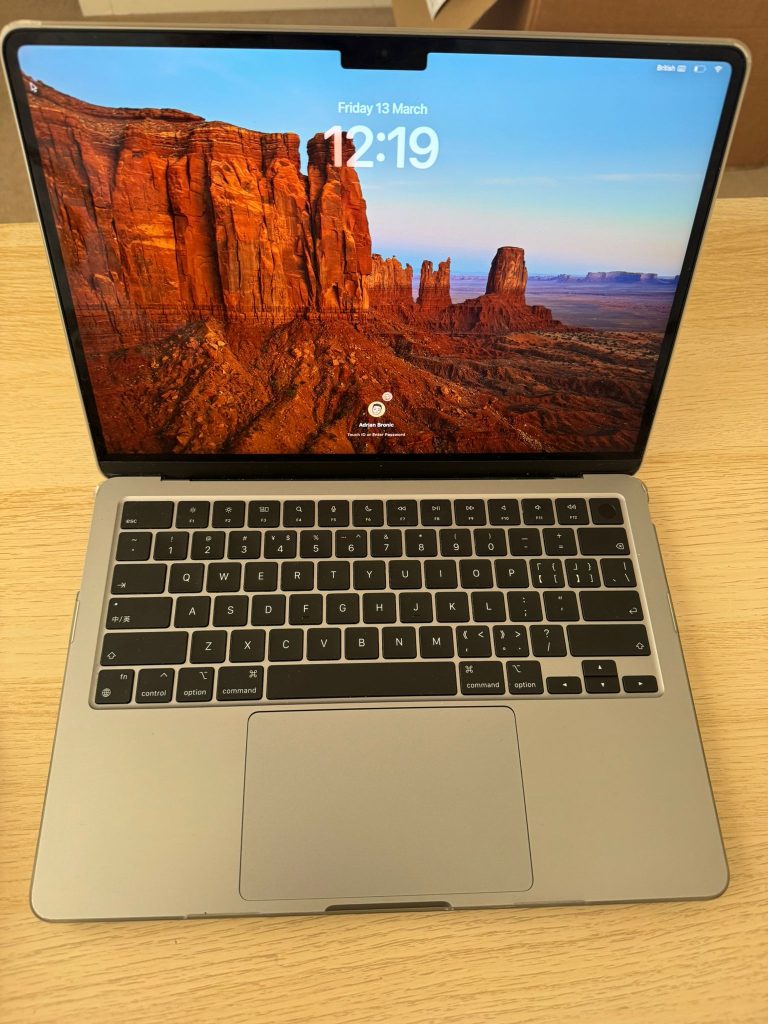
After inspection, repair approval and completion of the work, we were able to return the MacBook the same day. The customer received the device back working, with the keyboard replaced and the liquid-affected logic board cleaned and tested.
The repair was completed for under £350, giving the customer a far more affordable option compared with replacing the MacBook or being left without a practical repair route after Apple declined the job.
Why Acting Quickly Matters With Liquid Damage
One of the biggest mistakes after spilling liquid on a MacBook is continuing to use it or plugging it into charge. Even if the MacBook still turns on, liquid can continue to damage internal parts.
Liquid can affect the:
- Keyboard
- Trackpad
- Logic board
- Charging circuit
- Battery connector
- Display connector
- Internal flex cables
- USB-C ports and surrounding components
The sooner the MacBook is inspected, the better the chance of saving it. Waiting too long can allow corrosion to spread, which may increase the repair cost or make the MacBook much harder to repair.
If your MacBook has suffered liquid damage, the safest thing to do is switch it off immediately and avoid charging it until it has been checked.
Apple Declined the Repair, But the MacBook Was Still Repairable
When Apple declines a liquid damage repair or offers a repair option that is too expensive, many customers assume the MacBook is finished. That is not always the case.
Independent MacBook repair can sometimes save devices that would otherwise be written off. In this case, the MacBook Pro A2442 did not need to be replaced. It needed the correct inspection, keyboard replacement and proper logic board cleaning.
Of course, every liquid damage case is different. Some MacBooks have light contamination, while others have serious board-level damage. That is why a proper inspection is always needed before giving a realistic answer.
The Result
This was a successful same-day repair for a customer whose MacBook Pro A2442 had been affected by liquid damage. The keyboard was replaced, the liquid-filled logic board was cleaned, and the MacBook was returned working on the same day.
For the customer, the result was simple: they avoided replacing the MacBook and got a cost-effective repair after Apple had declined the job.
At MacBook Repairs London, we regularly deal with liquid-damaged MacBooks, including MacBook Pro and MacBook Air models. Whether your MacBook has no power, keyboard failure, charging issues, trackpad problems or logic board damage after a spill, we can inspect it and advise you honestly.
If your MacBook has suffered liquid damage, do not wait and do not keep using it. Get it checked as soon as possible so the damage can be assessed before it becomes worse.
Author 's Profile
B. Saeed
B. Saeed is a tech blog writer at MacBook Repairs London shares expert tips, guides, and repair insights to help MacBook users across London. With hands-on experience in Apple device troubleshooting and a passion for technology, she break down complex repairs into simple, useful advice. From battery replacements to logic board fixes, her goal is to keep your Mac running at its best while giving you practical knowledge along the way.